
Features
Every screen, up close
This is the whole tool, one screen at a time — from the first client message to a signed record you can both pull up later.
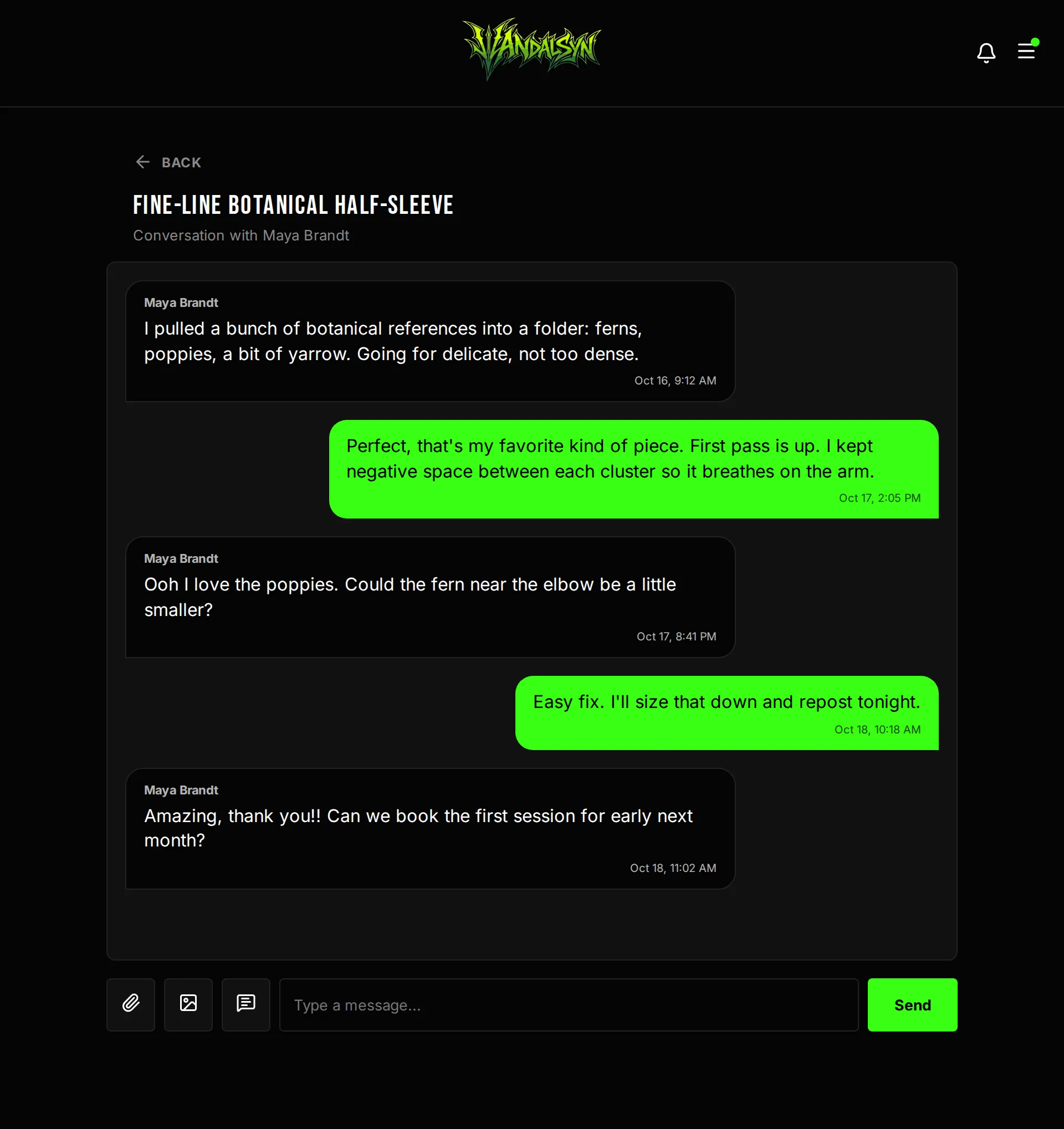
One thread per client, start to finish
Messages, design feedback, and booking questions stay in a single conversation — not scattered across Instagram DMs, texts, and email.
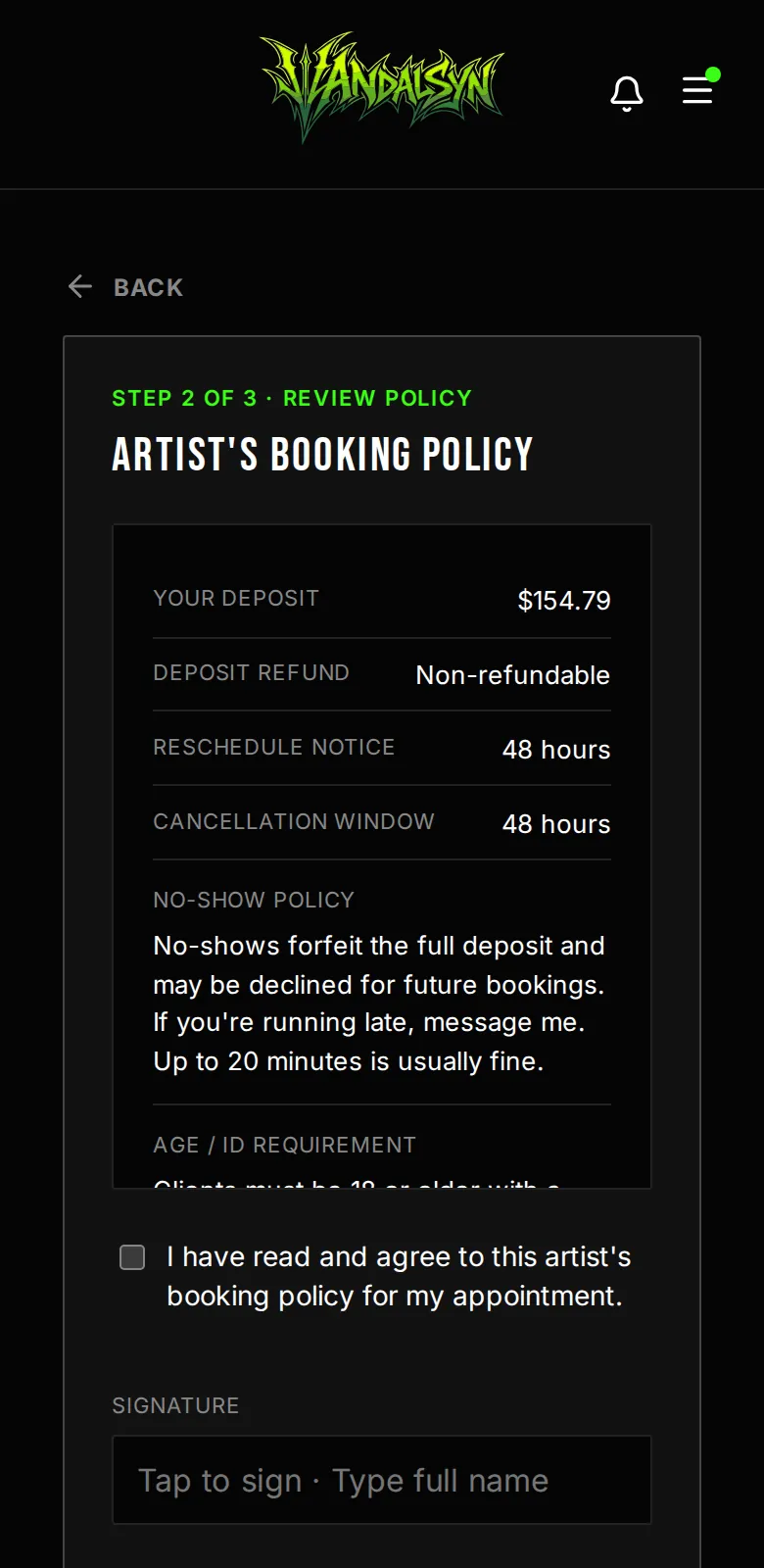
Booking policy, signed on their phone
Clients read your policy, sign with a typed signature, and pay their deposit before anything lands on your calendar.
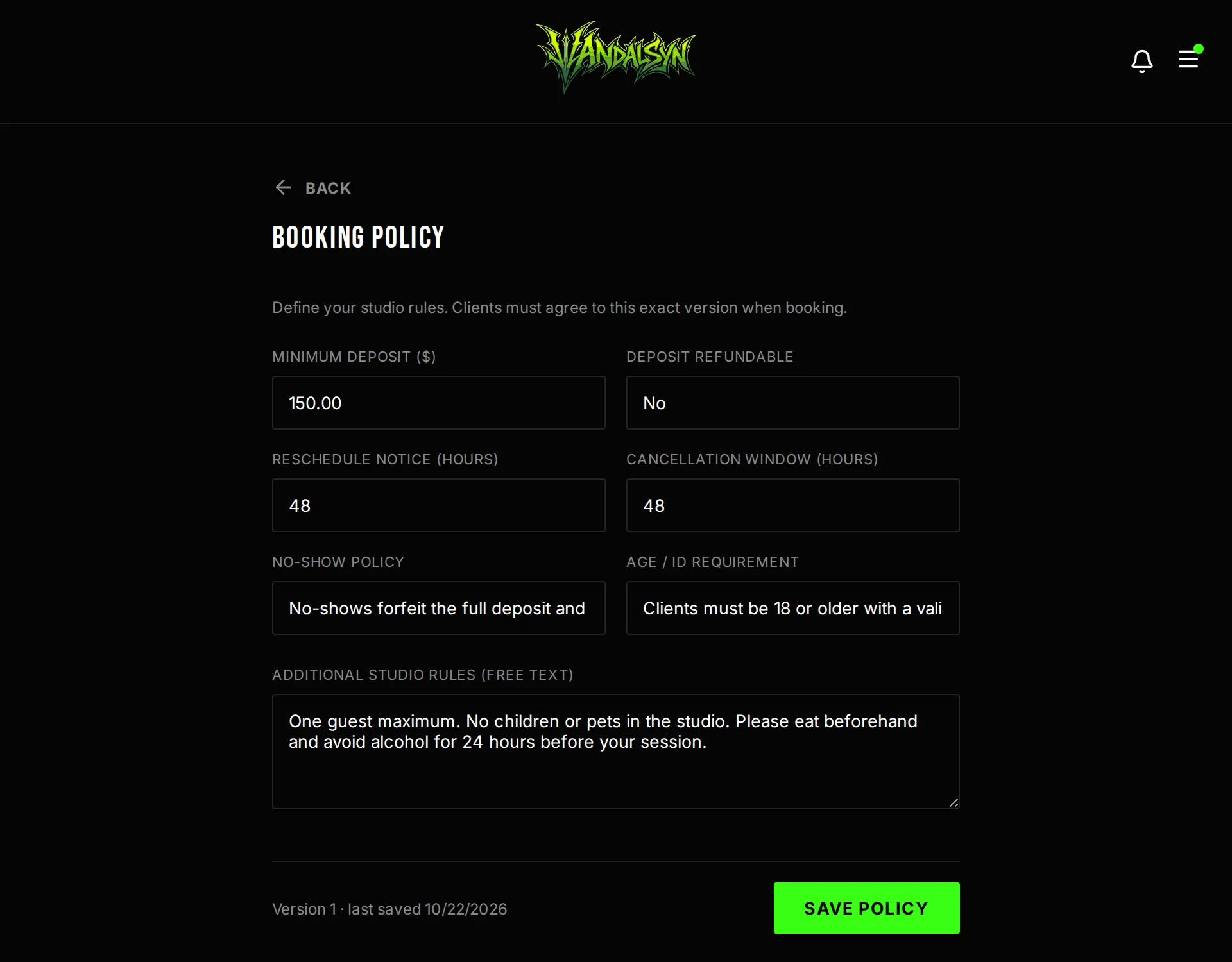
Set your rules once
Minimum deposit, cancellation window, no-show policy, age and ID requirements — every client agrees to that exact version before they can book.
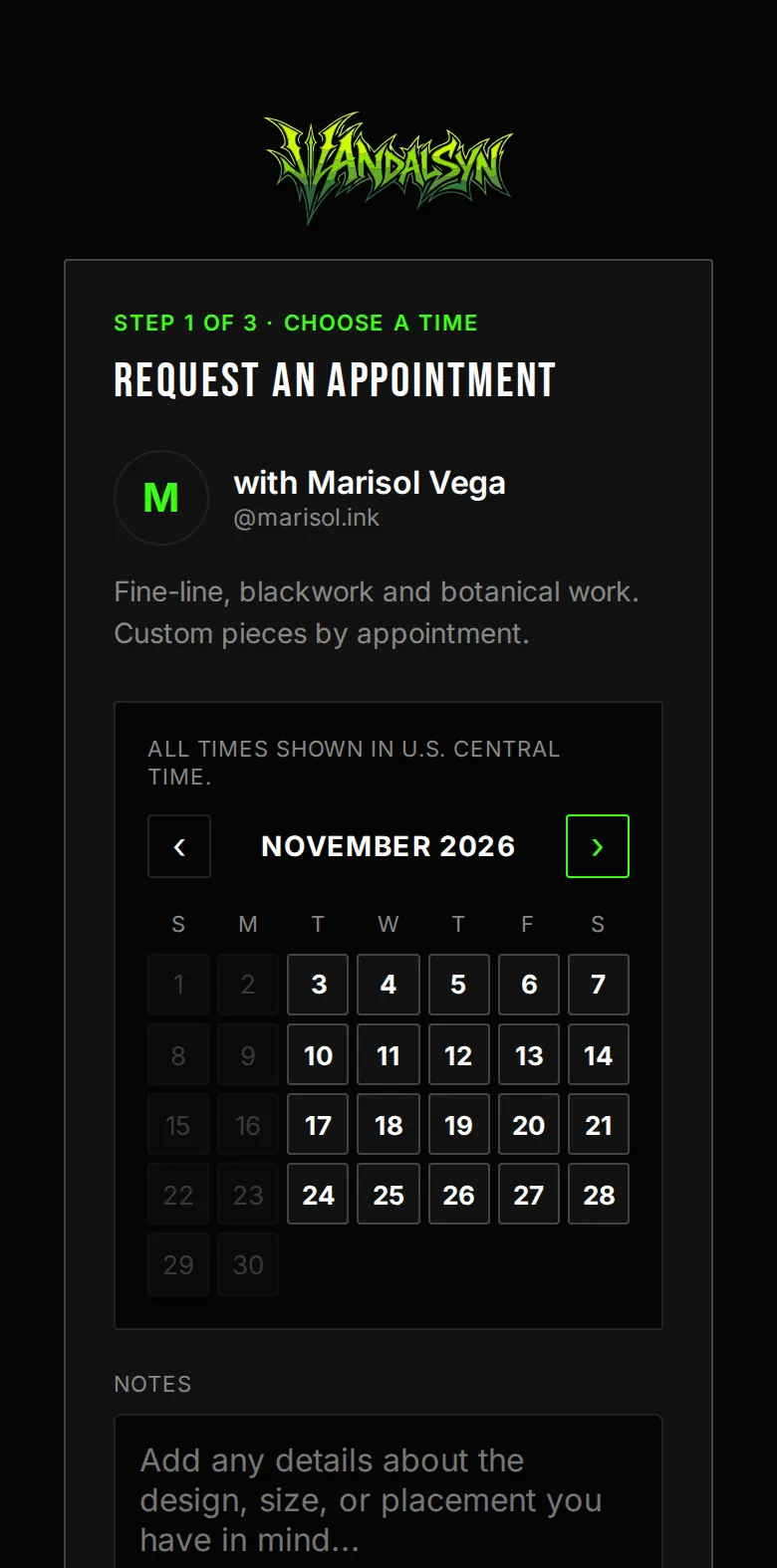
Clients book themselves
Share one link. Clients pick from the days you actually work — your hours, notice windows, and blackout dates are already baked in.
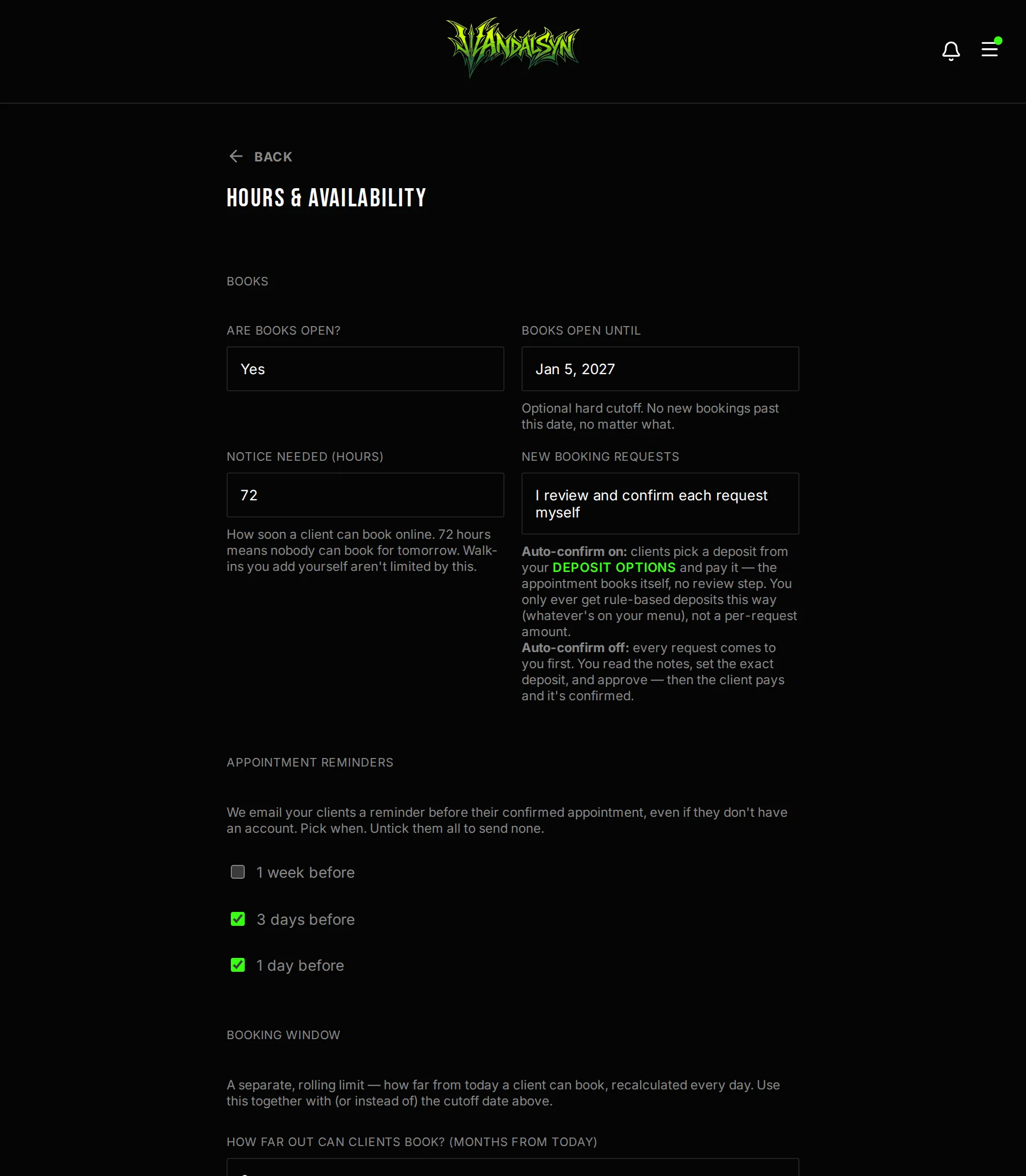
Control when you're bookable
Open or close your books in one tap, set a hard cutoff date, and define working hours day by day. The calendar holds the line automatically.
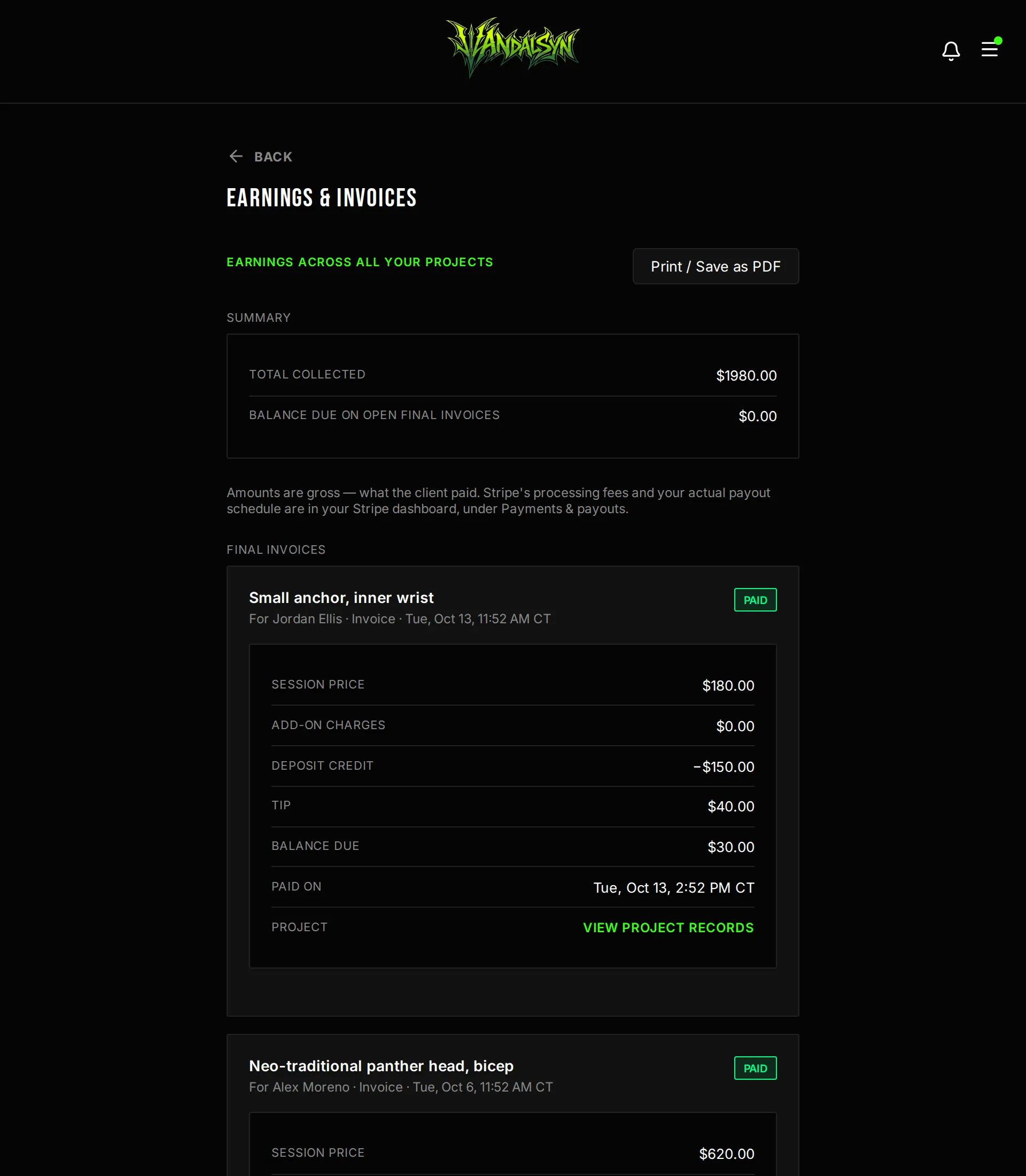
Every payment in one place
Deposits, final invoices, add-ons and tips across every project — totalled, itemised, and exportable to PDF. Money goes straight to your Stripe account.
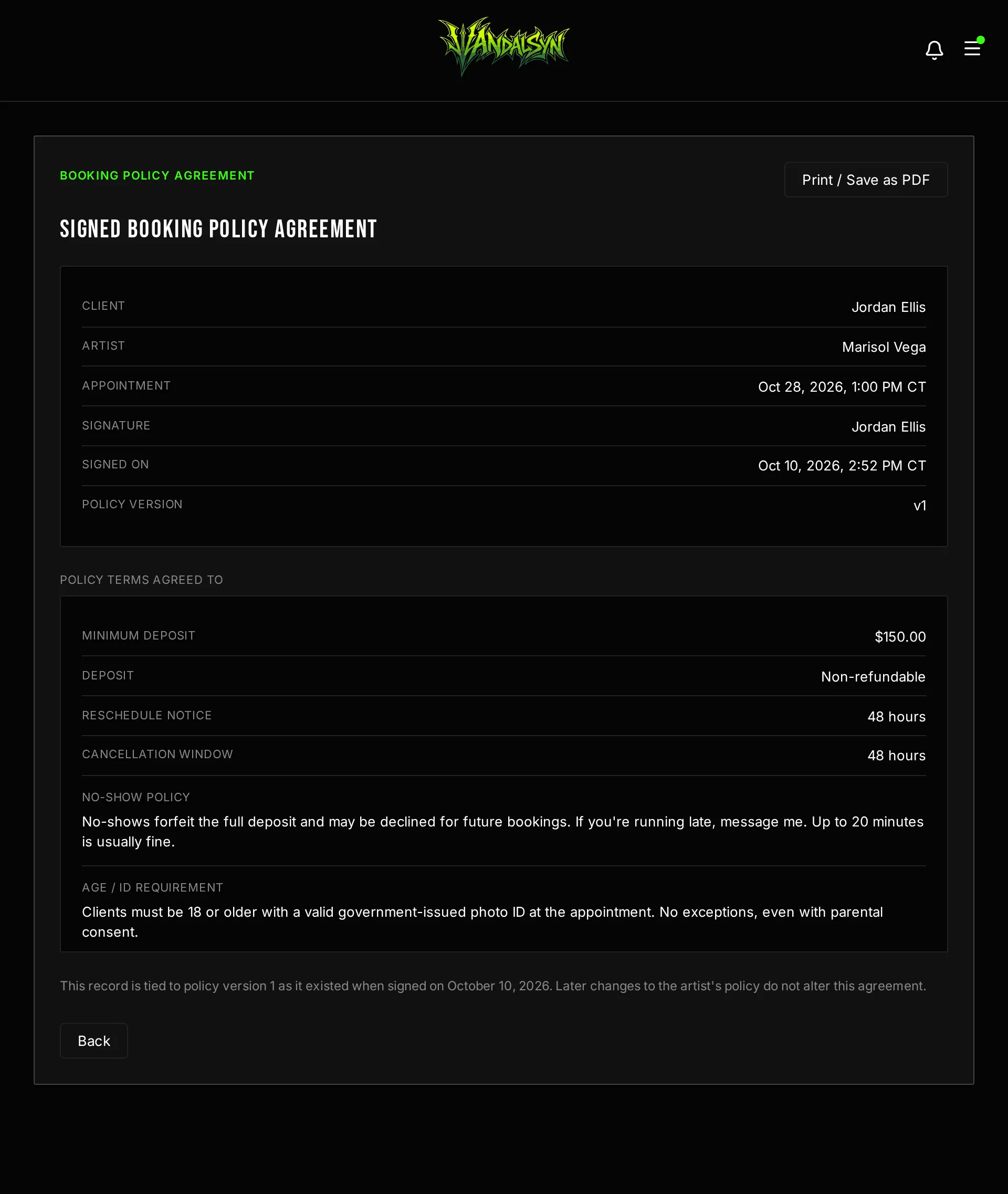
A signed record you both can keep
Every agreement is time-stamped and locked to the exact policy version the client saw. Either of you can open or print it later.
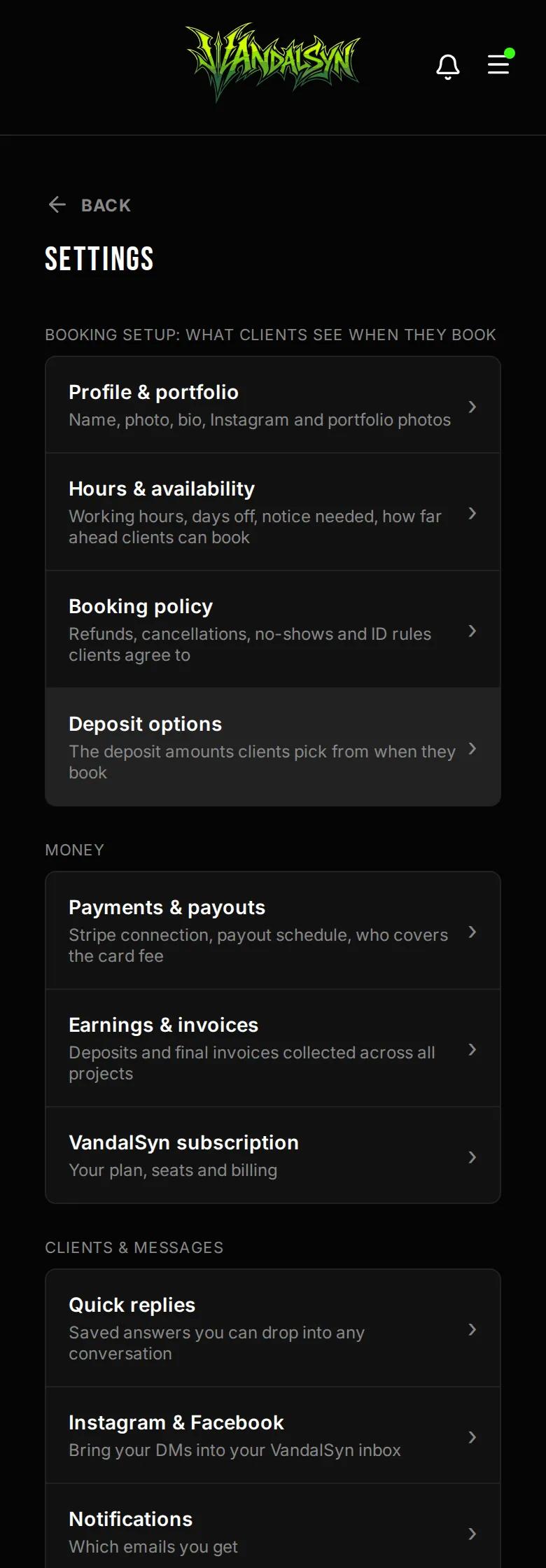
Your business, organized
Profile, policies, payouts, calendar, notifications — every setting in one menu that works just as well between clients as it does at a desk.
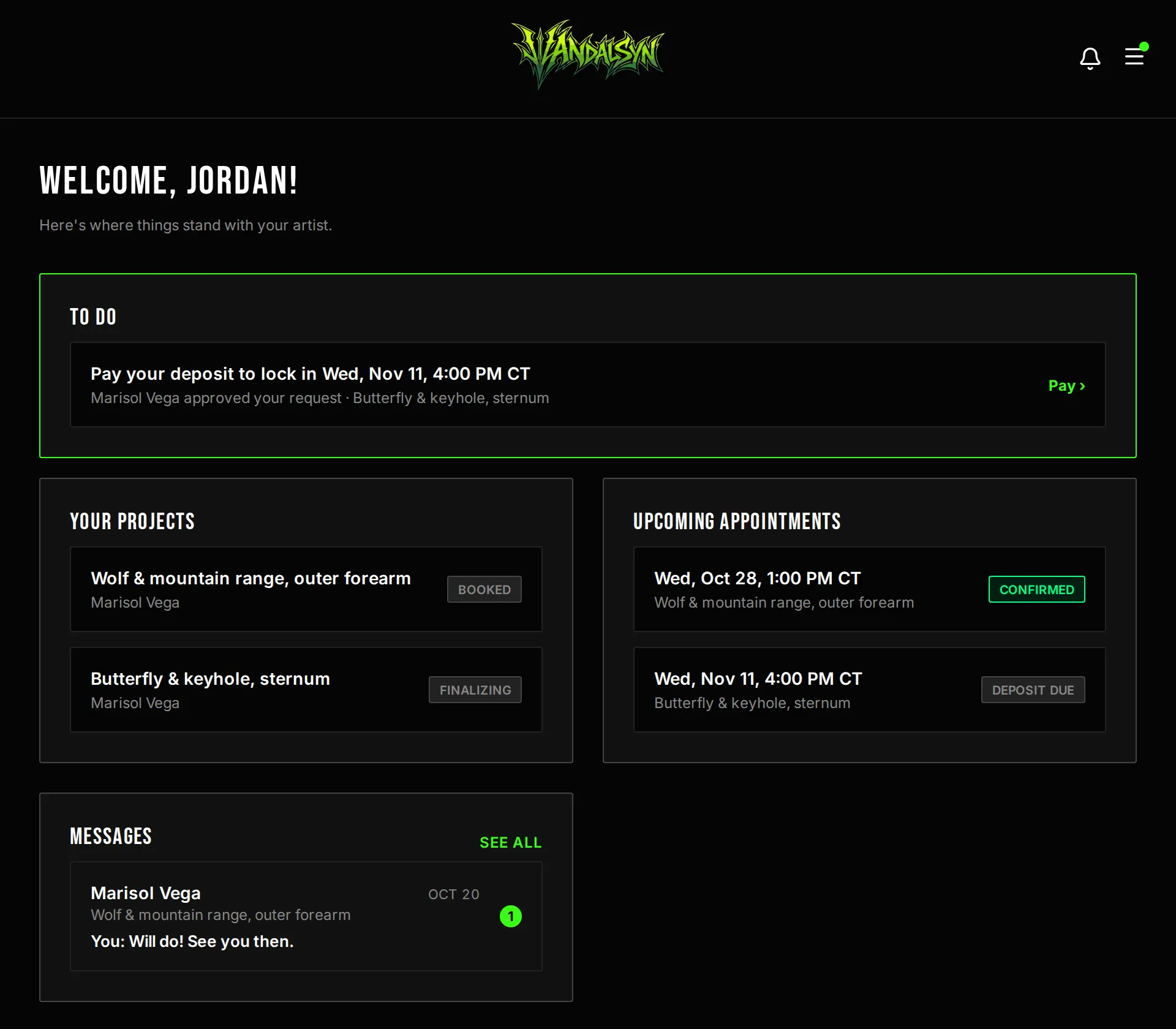
Your client always knows where things stand
They see their project status, their next appointment, and the conversation with you — so you field fewer "any update?" messages.
See how it fits together
The how it works page walks the same tool as a single flow — set your rules once, share one link, and let clients move through it on their own.
Start free trial